I built GardenMaster AI to manage my own garden first. Here is what that looks like in practice: 37 plants across my sites, each with a photo, a place and a plan, and the same garden on my desk and in my pocket.
A real garden, managed in GardenMaster AI
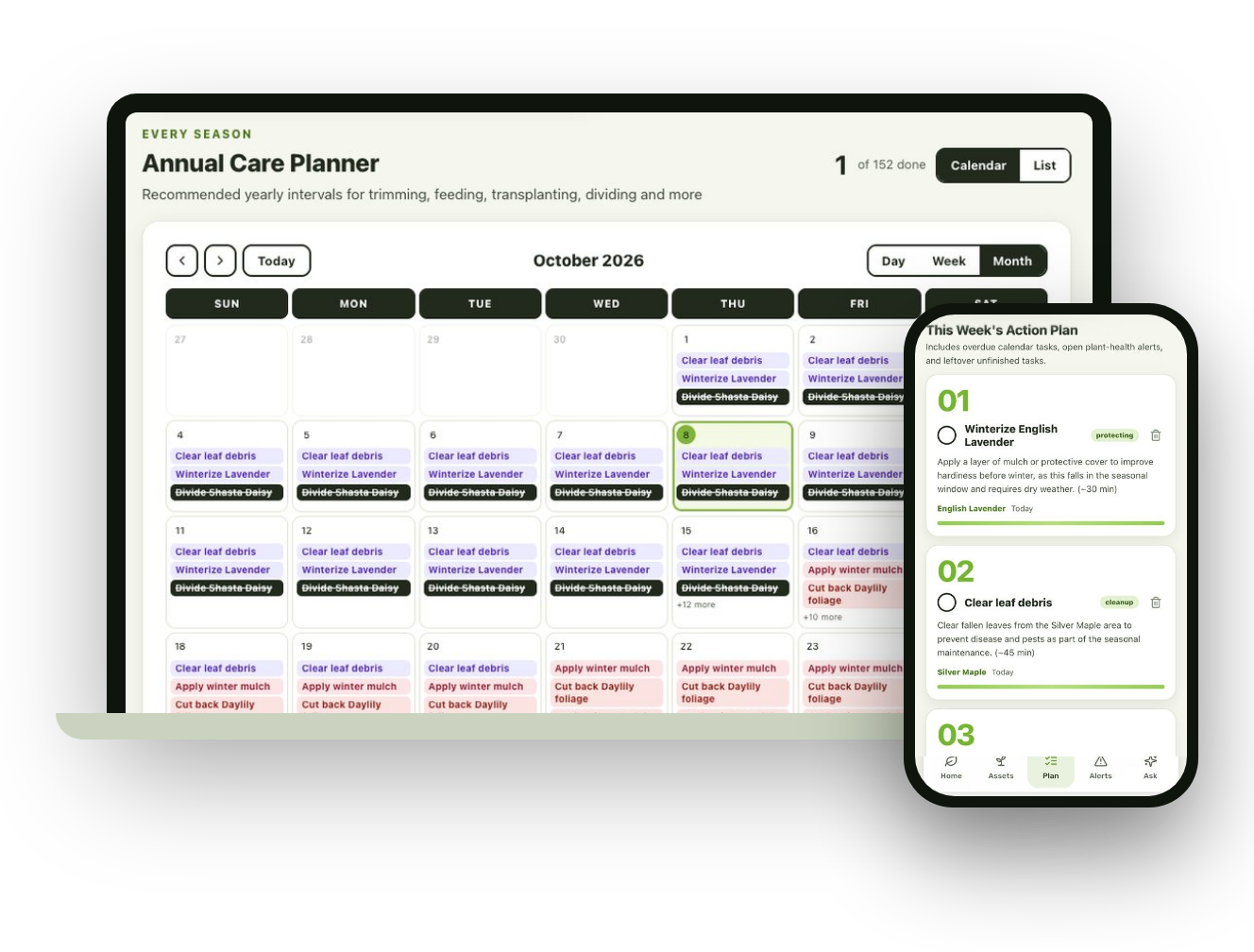
These screens are from my own garden.

Every plant, on record
Photos, botanical names and locations for all 37 plants.

This week’s plan
Numbered, timed tasks, matched to each plant.

Problems caught early
Photo checks flag struggling plants and say how to help.

Answers saved to the plant
Ask a question and keep the answer with that plant.
Why it runs on every screen
Planning a garden and working in one are different jobs. Drawing beds, reviewing the year and reading a care plan are easier on a big screen. Snapping a new plant, a receipt or a problem leaf happens outside, phone in hand. GardenMaster AI does both with one account.

Plan at your desk. Work in the garden.
Many garden apps only run on a phone. GardenMaster AI works in any web browser, so you can lay out beds and review the year’s plan on a big screen, then take the same garden outside on your phone or tablet.
- Draw gardens and read care plans on a full-size screen
- Snap plants, receipts and problems on your phone
- One account, always in sync. Nothing to install.
Try it in your own garden.
The pilot is free. Join, add a few plants, and see your first weekly plan.
Leave a Reply